About Google Snake
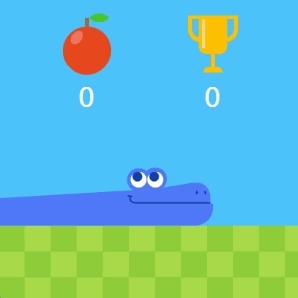
Google Snake modernizes the beloved arcade grid formula with fluid animations, crisp pastel checkerboards, and an awesome toolkit of selectable game modes. Beyond standard apple chasing, you can toggle multi-fruit spawns, wrap-around portal walls, speed presets, grid sizes, and obstacle blocks directly from the settings gear. That flexibility turns one familiar game into dozens of bite-sized challenges, whether you want relaxed high-score runs or chaotic high-speed sprints.
How the game works
Each toggle in Google Snake reshapes your movement habits completely. Classic mode rewards disciplined edge-hugging loops just like retro arcade cabinets, while wall-portal or cheese-block modes open wild cross-board shortcuts that demand fast mid-turn recalculation. Because turning inputs buffer cleanly one tile ahead, rhythmic key taps let you thread single-square corridors smoothly even on fast speed presets once your snake covers most of the lawn.
How to play
Click Play to open the game board, press the gear icon if you want to customize map size, speed, or special modes, and press Play to begin. Guide your snake with Arrow keys, WASD, or touch swipes to gobble spawned fruit while avoiding walls and your own growing body. Aim for a full-board clear or push your personal fruit record higher.
Practical tips
- Start on standard speed and normal grid size to build clean input buffering before trying fast mode.
- In multi-fruit mode, clear clusters grouped near corners first so stray apples do not trap your tail.
- Try wall-mode or portal variations when practicing spatial recovery out of tight spirals.
- Keep an even column count in mind if chasing a full-board clear using Hamiltonian loop paths.
- Click once inside the game window after changing settings so Arrow keys focus right away.
Frequently asked questions
Can I change speed and fruit modes in Google Snake?
Yes. Click the gear icon on the start overlay to switch fruit counts, board dimensions, speed levels, and special obstacle rules.
How does input buffering help in Google Snake?
Pressing two perpendicular keys rapidly queues the second turn for the very next grid tile, enabling tight U-turns without colliding.
Is Google Snake suitable for short Chromebook breaks?
Yes. It loads instantly, remembers your best score locally, and starts new runs with a single keypress.
Does touching the border always end the game?
In standard rules yes, though special wall-pass modes let you wrap across opposite sides of the board.
Guide updated on 2026-11-22. Game reference ↗